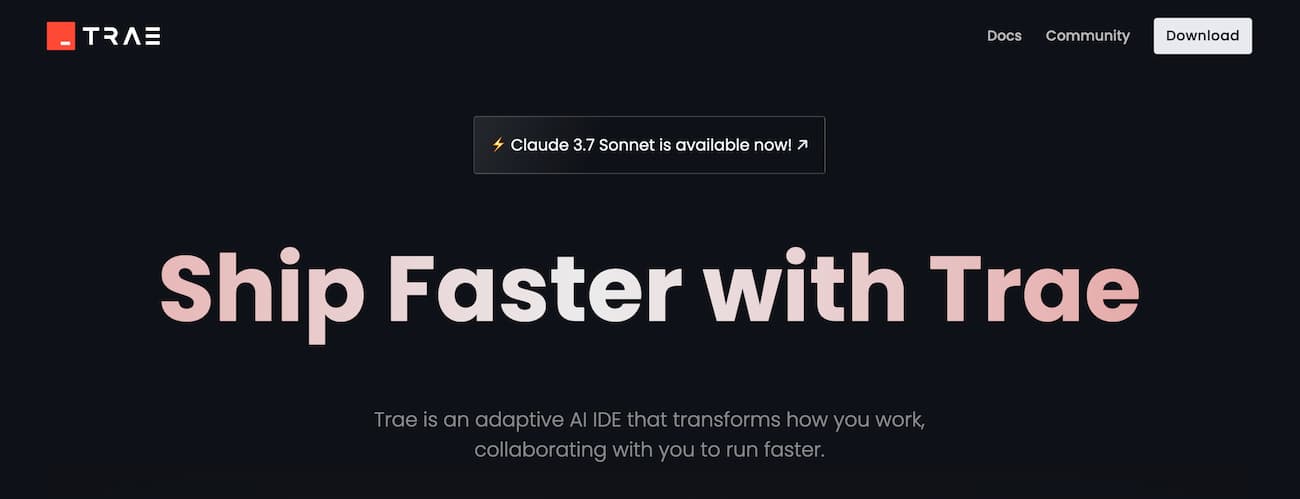
Trae's overseas version has started to launch its paid strategy today. Say goodbye to queuing, Trae subscription is now available: the first month of Pro is only $3, and Alipay is supported.
Trae - Free, Native AI Programming IDE, a New Paradigm for Reshaping the Way of Development
What is Trae?
- Trae is an AI-native integrated development environment (IDE) released by ByteDance in 2025, aiming to create a new productivity tool for developers called "AI Programming New Productivity." It deeply integrates various mainstream large models (such as GPT-4o, Claude 3.5, DeepSeek, etc.) and greatly improves programming efficiency through natural language-driven code generation, debugging, optimization, and deployment.
- Trae is suitable for beginners, independent developers, startup teams, as well as medium and large enterprises, and is a collection of general development and AI intelligent assistance.
Why choose Trae?
- Free unlimited use: Currently, all core functions of Trae are permanently free for all users, including model calls, code generation, file references, etc., and can be used without binding a credit card.
- Native AI integration: Unlike VSCode plugins, Trae is designed from the ground up for AI programming and has more fluent context understanding and multimodal interaction capabilities.
- Flexible model selection: Built-in multiple models for switching (GPT-4o, Claude, DeepSeek, etc.), supporting different domestic and international network environments.
- Full-stack automatic generation: From frontend to backend, to databases and deployment scripts, Trae can generate a complete project structure through natural language in one step, suitable for 0→1 construction.
- Precise context referencing: Supports referencing specific functions, files, or project directories in Chat mode, improving the relevance and accuracy of communication.
Introduction to the Core Functions of Trae
-
Builder Mode: Project-Level Generator
Enter a sentence like "build a blog system," and Trae can automatically generate the full project code structure, interface definitions, frontend UI, and deployment scripts. -
Chat Mode: Contextual Programming Assistant
Supports natural language questions, referencing code files or directory contexts, for bug fixes, unit test writing, function rewriting, and other intelligent interactions. -
Webview Preview and Debugging
Preview the frontend UI directly in the IDE, supporting multi-end responsive design, and what you see is what you get. -
Multimodal Input
Supports uploading design diagrams, flowcharts, and other auxiliary generation of interface code, as well as voice-driven interaction (such as describing UI elements). -
Code Referencing and Version Control
In Chat mode, you can use@referenceto accurately locate a specific piece of code or file; and iterate through multiple rounds of interaction with version control.
How to Start Using Trae?
- Visit the official website https://www.trae.ai/ (international version) or https://www.trae.com.cn/ (Chinese version).
- Download the client for macOS or Windows, install and log in.
- After entering the workspace, select the Builder or Chat mode to start using.
- Enter natural language prompts, such as "write a weather query application," to start experiencing AI programming.
- Introduce files, functions, or directories into the project to achieve deep interaction and debugging.
Tips for Using Trae
- Make good use of the reference feature: Using
#filenameand#functionnamecan help AI accurately locate the context. - Combine Webview debugging UI: After generating frontend code, you can directly preview the effect and modify the style within Trae.
- Experience the difference with different models: Different models have different styles of task understanding, and it is recommended to choose the appropriate model according to the task.
Frequently Asked Questions (FAQ) About Trae
-
Question: Can Trae be used now?
Answer: Yes. Both the international version and the domestic version of Trae have been officially launched, and you can download and use it for free by visiting the official website. -
Question: What can Trae actually help me do?
Answer: Trae can help you quickly generate project code, debug functions, understand code logic, generate UI and scripts, and also support deployment, database modeling, and other tasks. -
Question: Is Trae completely free?
Answer: Yes. Currently, the calls to models such as GPT-4o and Claude 3.5 are unlimited and free of charge. In the future, there may be paid divisions for enterprise services or high-frequency model calls, but there are no barriers for personal and small team use at the moment. -
Question: What models does Trae support?
Answer: Currently, it supports Gemini 2.5 Pro, GPT-4o (OpenAI), Claude 4, Claude 3.7, Claude 3.5 (Anthropic), DeepSeek (domestic model), and you can switch to use them with one click in the Chat mode. -
Question: What is the difference between Trae, GitHub Copilot, and Cursor?
Answer:Tool Type Advantage Free or Paid Trae AI Native IDE Supports Builder to generate full project, contextual referencing, Webview debugging Free Copilot Plugin (VSCode) Accurate completion, tightly integrated with GitHub ecosystem No (starts at $10/month) Cursor VSCode Branch Supports AI conversation, can be run locally No (free + Pro) -
Question: Will there be a charge in the future?
Answer: The official has stated that there may be charges for the following in the future:- Enterprise private deployment solutions;
- Advanced collaboration features (such as team permission management);
- Advanced quotas for high-frequency model calls;
- Commercial cloud deployment, CI/CD, and other DevOps toolchains.