Squoosh is a free, open-source image optimization tool developed by Google Chrome Labs. It enables users to compress and compare images directly within their browser, facilitating faster website load times and improved performance. By supporting various compression formats and providing real-time visual comparisons, Squoosh ensures high-quality results while reducing file sizes.
What is Squoosh?
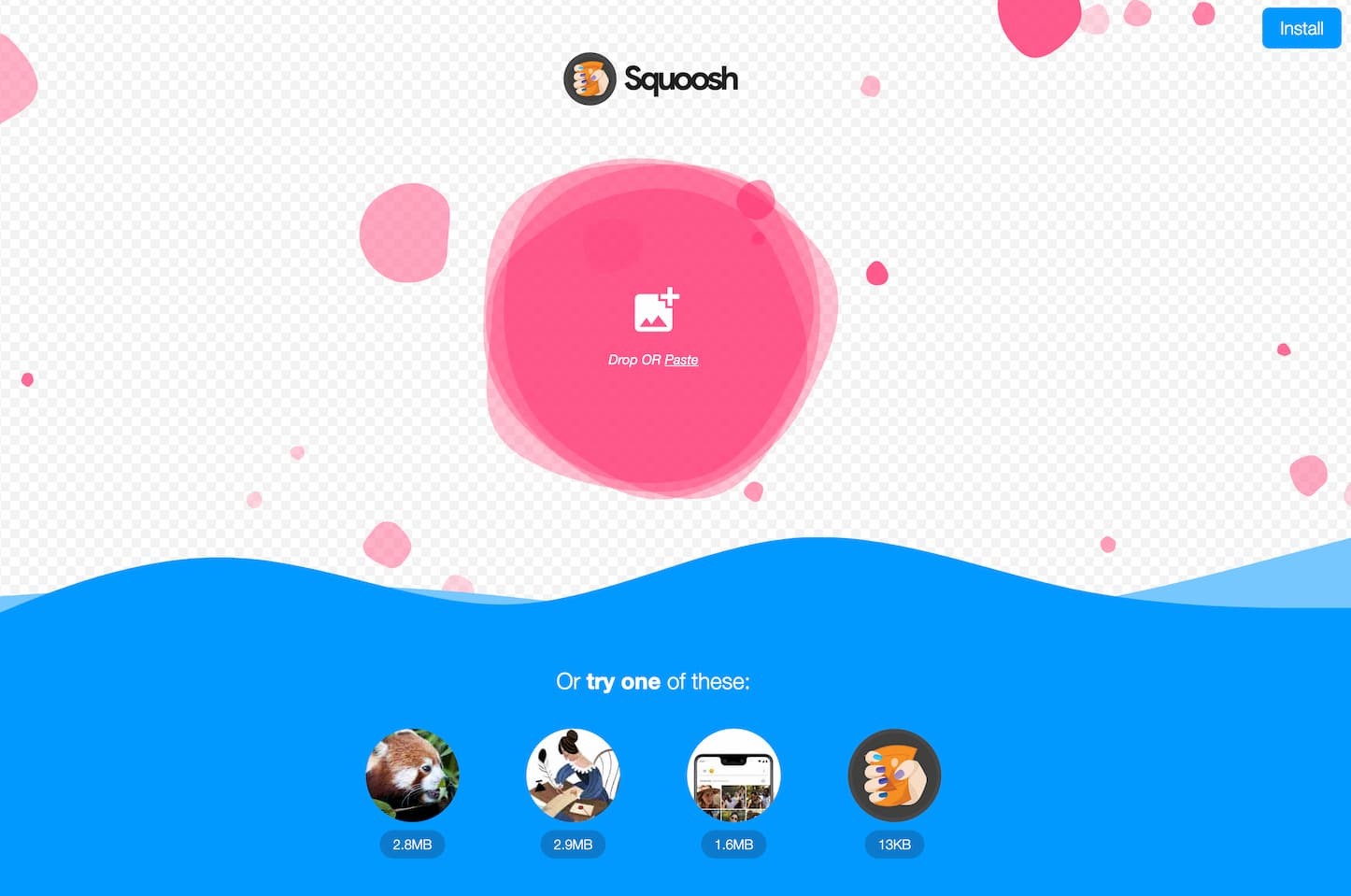
Squoosh is a web-based application designed to help users compress and optimize images efficiently. It supports multiple compression algorithms, including MozJPEG, OptiPNG, and WebP, allowing users to choose the most suitable format for their needs. With its intuitive interface, Squoosh provides a seamless experience for reducing image sizes without compromising quality.
How to Use Squoosh
Using Squoosh is straightforward:
-
Access the Application: Navigate to https://squoosh.app/ in your web browser.
-
Upload an Image: Drag and drop your image into the interface or click to select a file from your device.
-
Select Compression Settings: Choose your desired compression format (e.g., MozJPEG, OptiPNG, WebP) and adjust the quality settings using the slider to balance file size and image quality.
-
Preview the Result: Use the comparison slider to view the original and compressed images side by side, ensuring the quality meets your expectations.
-
Download the Optimized Image: Once satisfied with the compression, click the download button to save the optimized image to your device.
This process allows for quick and efficient image optimization directly within your browser.
Squoosh's Core Features
-
Multiple Compression Formats: Supports various formats, including MozJPEG, OptiPNG, and WebP, providing flexibility in choosing the optimal compression method.
-
Real-Time Comparison: Offers a side-by-side comparison of the original and compressed images, allowing users to assess quality differences instantly.
-
Adjustable Settings: Provides sliders and advanced options to fine-tune compression levels, ensuring a balance between image quality and file size.
-
Offline Functionality: Once loaded, Squoosh can operate offline, making it convenient for users without a continuous internet connection.
-
Privacy Assurance: Processes images locally within the browser, ensuring that your images are not uploaded to external servers, thereby maintaining privacy.
FAQ from Squoosh
-
Is Squoosh available?
Yes, Squoosh is available for use directly in your web browser at https://squoosh.app/.
-
What does Squoosh do?
Squoosh compresses and optimizes images, reducing their file sizes while maintaining quality, which enhances website performance and load times.
-
Is Squoosh free?
Yes, Squoosh is completely free to use.
-
When was Squoosh released?
Squoosh was released in November 2018 by Google Chrome Labs.
-
Is Squoosh as good as other tools?
Squoosh is highly regarded for its user-friendly interface, support for multiple compression formats, and real-time comparison features. While it may lack batch processing capabilities found in some other tools, its efficiency and quality make it a competitive choice for image optimization.
For a visual guide on how to use Squoosh, you can watch the following tutorial:
