PimEyes - Facial Recognition Search Engine
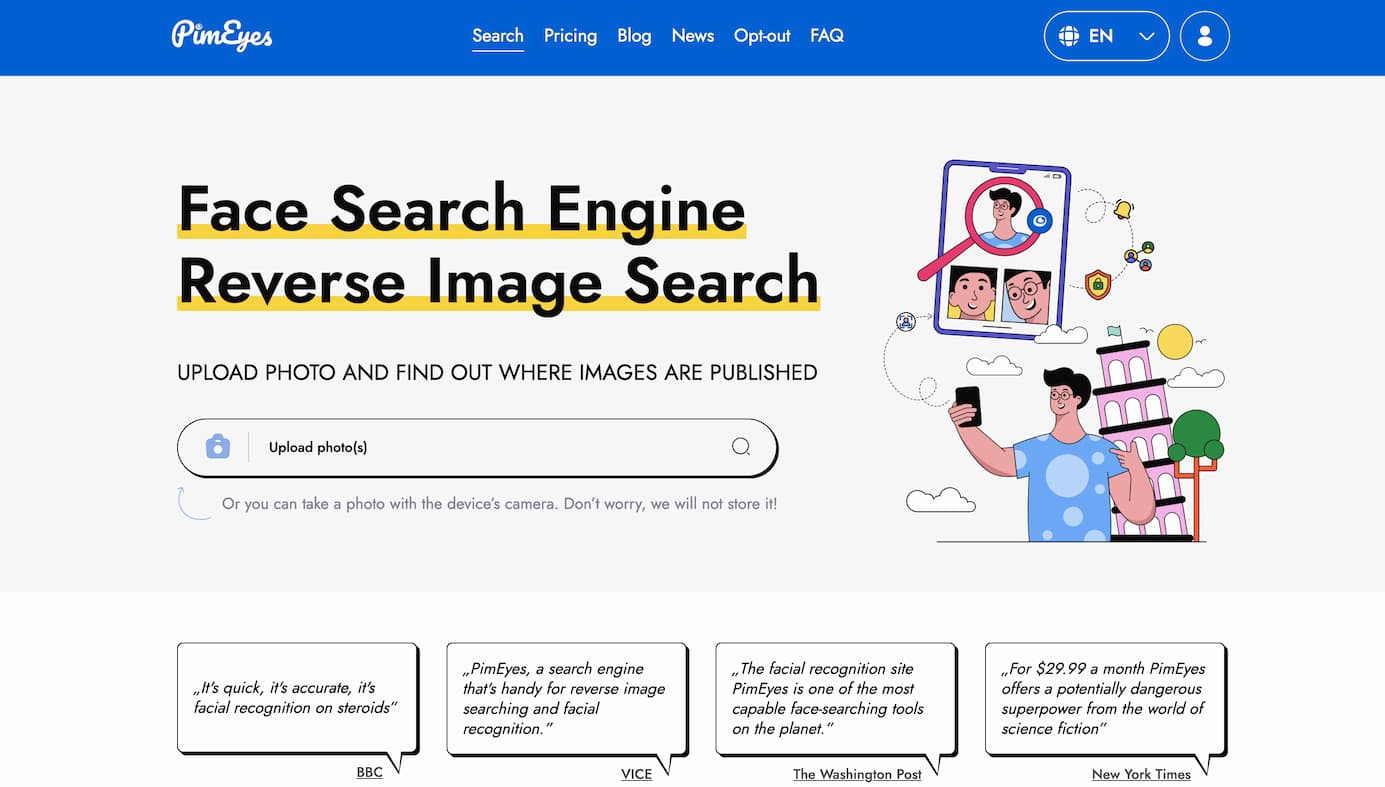
What is PimEyes?
PimEyes is an advanced online facial recognition search engine that enables users to find where their face appears across the internet. By uploading a photo, PimEyes scans the web to identify matching faces, helping individuals monitor their online presence and protect their privacy.
How to Use PimEyes
-
Upload a Photo: Visit the PimEyes website and upload a clear image of the face you wish to search for.
-
Initiate the Search: After uploading, click the search button to begin the facial recognition process.
-
Review Results: PimEyes will display a list of websites where the uploaded face appears, along with links to the source images.
-
Set Alerts: To monitor new instances, set up alerts to receive notifications when PimEyes detects your face on new websites.
PimEyes' Core Features
-
Facial Recognition Technology: Utilizes advanced AI algorithms to accurately match faces across the internet.
-
Reverse Image Search: Allows users to find where their face appears online by uploading a photo.
-
Alert System: Enables users to set up alerts to be notified when new images of their face are found.
-
Privacy Protection: Assists individuals in monitoring and managing their online presence to safeguard personal privacy.
FAQ from PimEyes
-
Is PimEyes available?
Yes, PimEyes is an online service accessible through its website.
-
What does PimEyes do?
PimEyes performs facial recognition searches to identify where a specific face appears across the internet.
-
Is PimEyes free?
PimEyes offers both free and premium subscription plans. The free version allows limited searches, while premium plans provide additional features such as more searches and alerts.
-
When was PimEyes released?
PimEyes has been operational for several years, continuously evolving its facial recognition capabilities.
-
Is PimEyes as good as other tools?
PimEyes is recognized for its advanced facial recognition technology and user-friendly interface, making it a competitive option among similar tools.
For a visual guide on using PimEyes, you can watch the following video: