
Gamma - A New Medium for Presenting Ideas
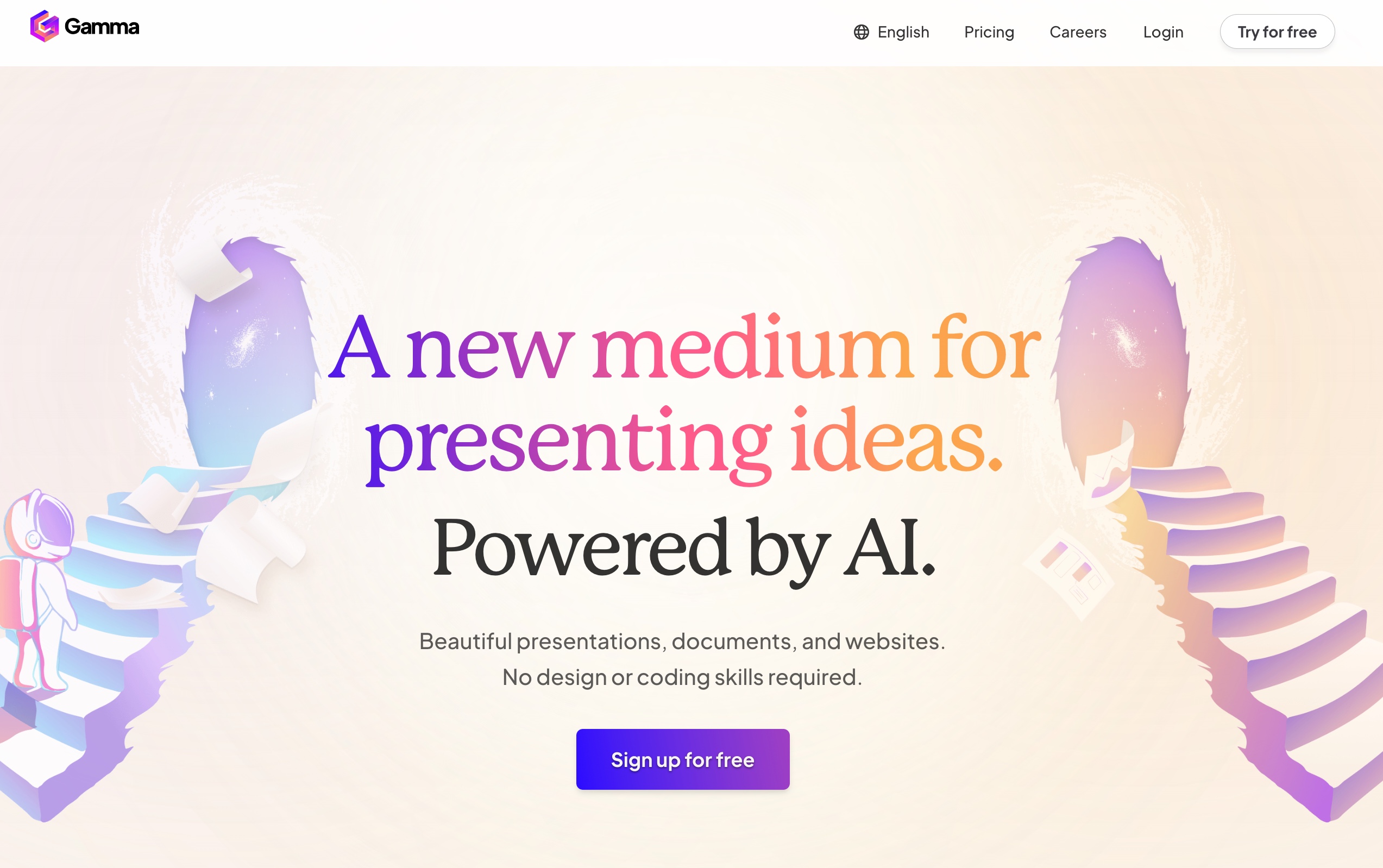
Gamma is a revolutionary platform designed to transform the way we create and share presentations, documents, and websites. With its powerful AI capabilities, Gamma enables users to produce visually stunning content without the need for any design or coding skills. Whether you are a professional looking to impress clients or a student preparing for a presentation, Gamma provides the tools you need to convey your ideas effectively and beautifully.
What is Gamma - An AI-Powered Presentation Tool
Gamma is an AI-driven content creation tool that simplifies the process of designing presentations and documents. It allows users to quickly generate polished and engaging content, making it ideal for anyone who wants to present their ideas in a compelling manner. With features that cater to both novice and experienced users, Gamma stands out as a versatile solution for creating dynamic presentations that capture attention.
How to use Gamma - Effortless Content Creation
Using Gamma is straightforward and user-friendly:
- Sign Up: Visit the Gamma website and create an account to get started.
- Choose a Template: Select from a variety of pre-made templates tailored for different types of presentations or documents.
- Add Content: Utilize the intuitive drag-and-drop interface to insert text, images, and other media elements seamlessly.
- Leverage AI Features: Take advantage of AI tools that can help you rewrite or autocomplete your content, enhancing your productivity.
- Share and Export: Once your project is complete, you can easily share it online or export it as a PDF or PPT file.
Gamma - Core Features
- AI-Powered Design Assistance: Gamma employs advanced AI technology to provide design suggestions and layouts that are visually appealing.
- Interactive Content Creation: Users can engage their audience with interactive galleries, videos, and data visualizations like charts and diagrams.
- Seamless Integration: Import existing documents effortlessly and paste text from any source in seconds.
- Mobile-Friendly Output: Create content that looks great on any device, ensuring accessibility for all users.
- Real-Time Collaboration: Collaborate with team members in real-time, making it easy to gather feedback and make adjustments on the fly.
FAQ from Gamma - Your Questions Answered
-
Is Gamma available?
Yes, Gamma is currently available for users looking to create engaging presentations and documents. -
What does Gamma do?
Gamma allows users to create beautiful presentations, documents, and websites using AI technology, simplifying the design process without requiring any coding skills. -
Is Gamma free?
Gamma offers a free trial version; however, some advanced features may require a subscription. -
When was Gamma released?
Gamma was officially launched in 2023 and has since been continuously updated with new features. -
Is Gamma as good as PowerPoint?
While both Gamma and PowerPoint serve similar purposes, Gamma focuses on providing an intuitive user experience with AI-driven design capabilities, making it a fresh alternative for those seeking innovative presentation solutions.
Gamma revolutionizes how we present ideas by combining ease of use with powerful design tools. Whether you're crafting a business proposal or an educational presentation, Gamma equips you with everything you need to succeed in delivering your message effectively.
Citations:
[1] https://gamma.app


