pstack Guide Part 2: Supervising Smarter Agents
Source: lauren (@poteto) on X

As AI coding agents become increasingly intelligent and autonomous, our role as developers is shifting from writing code directly or micromanaging line-by-line tool calls to supervising high-level agent workloads. In Part 1 of the pstack guide, we covered foundational environment setups and basic task execution. In Part 2, we explore how to effectively supervise smarter, semi-autonomous AI agents.
The Shift in Agent Supervision
When working with earlier generations of LLM coding tools, developers acted primarily as prompt typists or line-item approving supervisors. You gave the agent a prompt, watched every file write, approved bash execution line by line, and stepped in immediately when a minor error occurred.
With modern, reasoning-capable agent harnesses like pstack, agents can plan multi-step implementations, execute terminal commands autonomously inside a sandbox, run test suites, and iterate on failures before presenting a finished result.
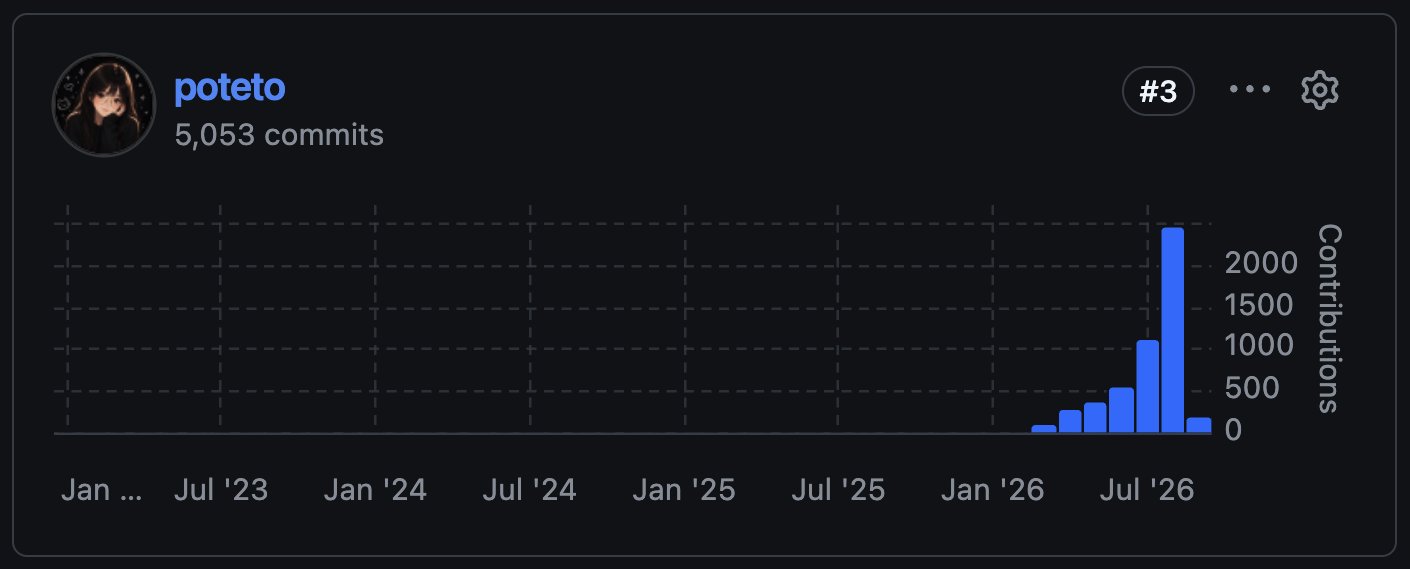
However, smarter agents bring new challenges:
- Context Drift: Long agent sessions accumulate noisy tool outputs, token usage bloat, and outdated assumptions.
- Over-Engineering & Slop: Autonomous agents can write hundreds of unnecessary lines of boilerplate or refactor code outside the scope of the task.
- Uncontrolled Loops: Left unguided, agents might loop endlessly trying to fix edge cases or work around broken dependencies.
Effective supervision requires setting clear architectural boundaries, managing context windows proactively, leveraging sub-agent delegation, and conducting structured agent reviews.
1. Setting Up High-Leverage Constraints
Supervising a smart agent begins before a single line of code is written. Rather than giving open-ended goals ("build feature X"), define clear boundary constraints in your project harness or prompt spec.
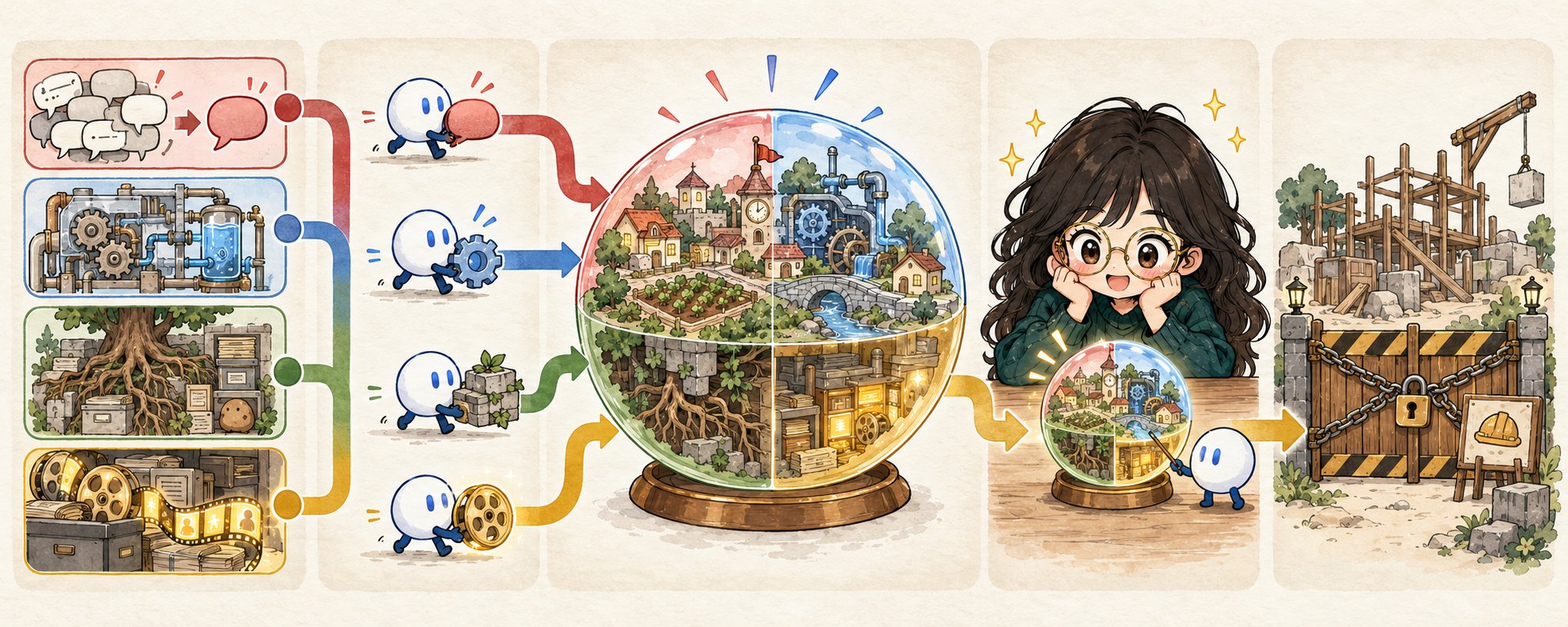
Key constraints include:
- Scope Limits: Specify exact files or directories the agent is permitted to touch.
- Architectural Guidelines: Define structural conventions, design system requirements, and language features to use or avoid.
- Verification Gates: Mandate that unit tests or linter checks pass before declaring a task complete.
In pstack, these guidelines are stored in project-level configuration files (.pstack/rules or AGENTS.md), ensuring the agent reads them automatically upon starting any task.
2. Managing Context Drift and Token Economy
As an agent works through a complex task, its conversation history expands. If unmanaged, context drift dilutes the core objective and leads to degraded reasoning.
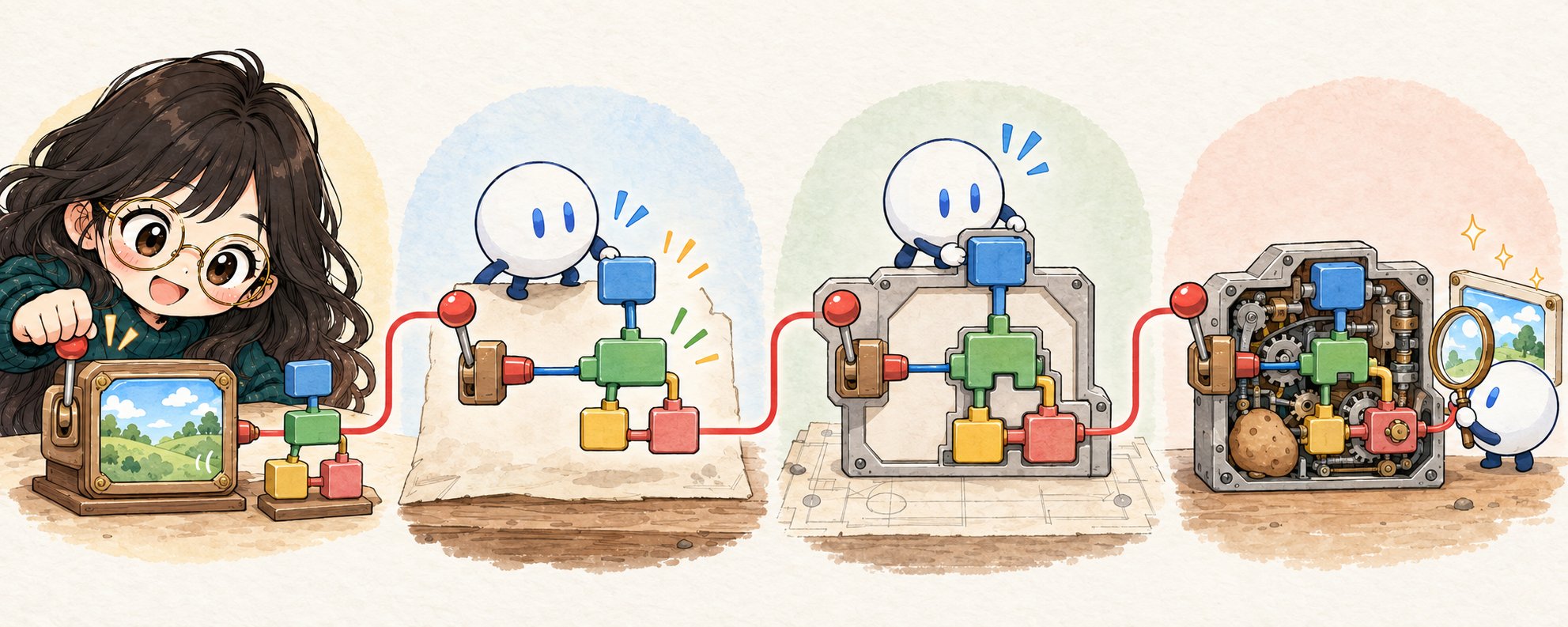
To prevent context rot in long sessions:
- Periodic Session Compaction: Use compaction commands or restart sessions after major milestones, preserving only the current state, summary, and git diff.
- Modular File Reading: Instruct agents to inspect specific line ranges or summary definitions rather than dumping full multi-thousand-line source files into context.
- Clean Output Piping: Avoid routing huge verbose logs into agent context; pipe test outputs through targeted filtering scripts.
3. Delegation via Sub-Agents
Smarter workflows delegate sub-tasks to isolated sub-agents. In pstack, a master supervisor agent can spawn specialized sub-agents to handle focused sub-tasks—such as writing tests, generating documentation, or auditing security vulnerabilities—without cluttering the main conversation window.
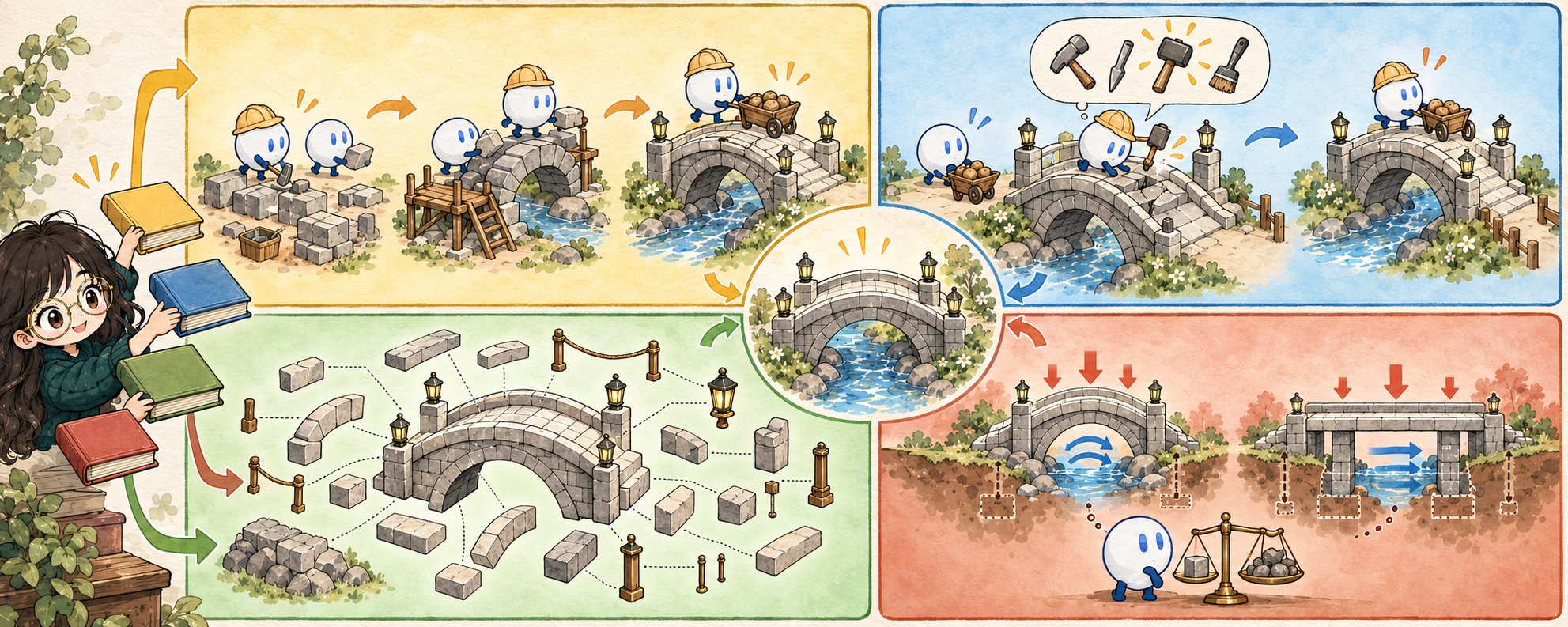
Benefits of sub-agent delegation:
- Parallel Execution: Sub-agents run concurrently on sub-problems.
- Isolated Context: Each sub-agent maintains a clean context dedicated solely to its task.
- Clean Handoffs: Sub-agents return concise summaries and diffs back to the primary supervisor agent.
4. Agent-Assisted Review & Verification
Supervising agents effectively requires a systematic review step before committing changes. Rather than manually reading every diff line by line, leverage agent-assisted code review patterns.
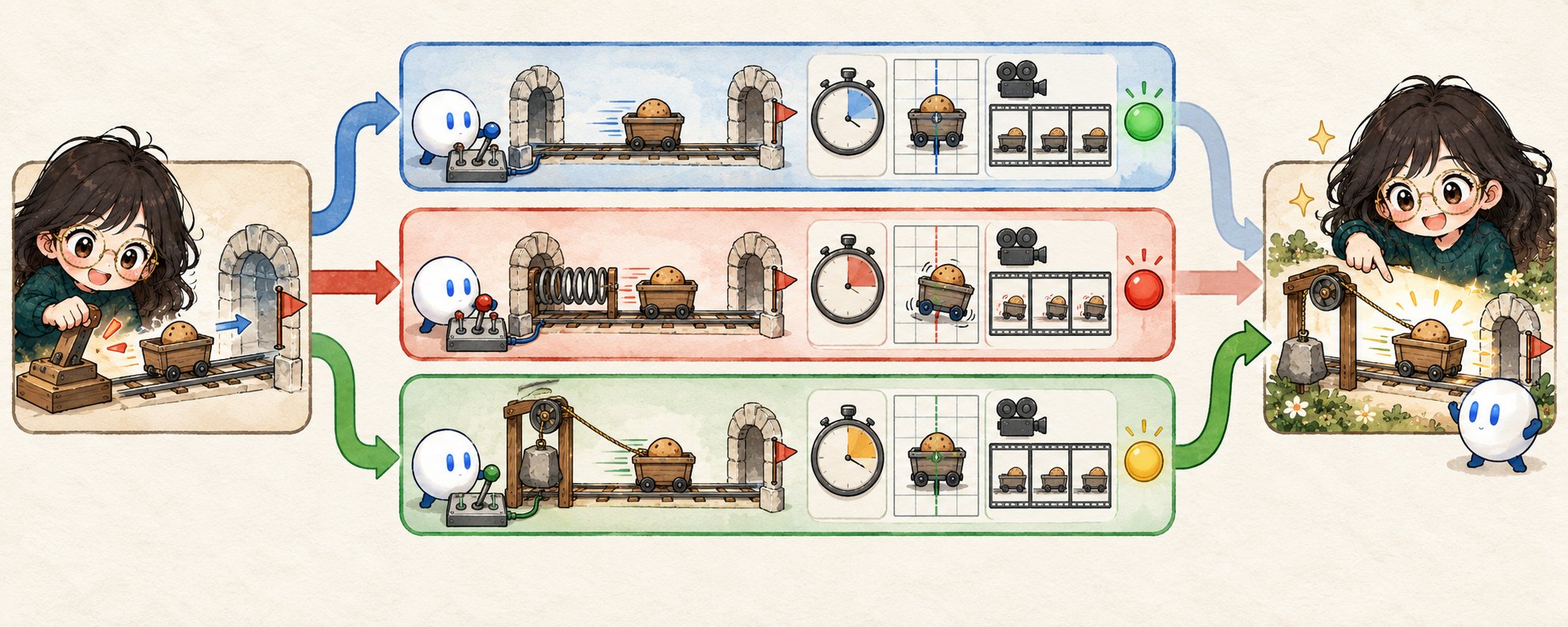
The recommended workflow consists of:
- Automated Diff Audit: Running a reviewer agent against the generated diff to check for edge cases, performance regressions, and style violations.
- Validation Suite Run: Executing integration tests and static analysis inside the agent harness.
- Human Gatekeeping: The developer reviews the high-level summary and critical code paths before merge.
5. Handling Agent Failures and Course Correction
Even smart agents get stuck in unhelpful loops or misinterpret requirements. Recognising early failure signals is essential for smooth supervision.
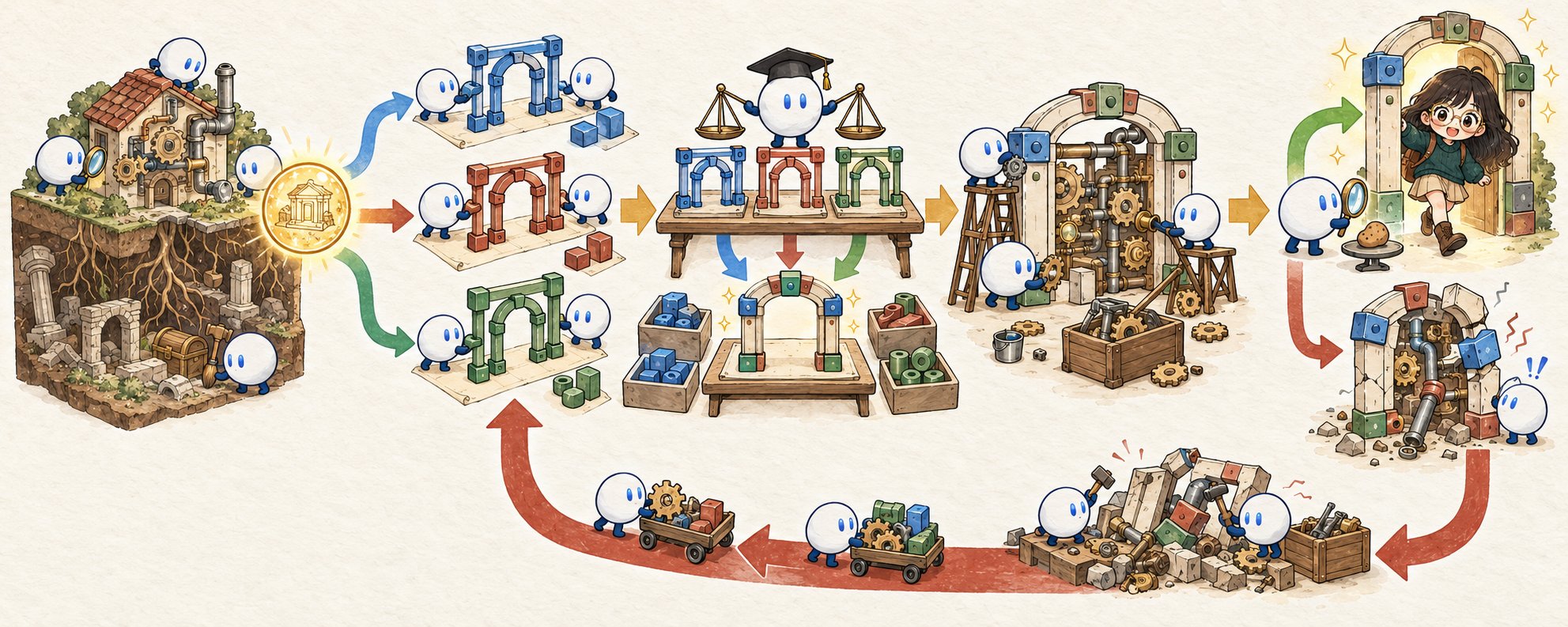
When an agent enters a failure loop:
- Stop and Reset: Do not layer prompt after prompt onto a failing context. Stop the session, revert uncommitted changes, and refine the initial prompt or constraints.
- Inject Missing Context: Often an agent fails because of missing background assumptions or implicit codebase knowledge. Explicitly provide the missing reference file or rule.
- Decompose the Task: Break a complex feature request into smaller, independently verifiable sub-tasks.
6. Real-World Case Study: Building Complex Workflows with pstack
Putting these principles together in pstack yields a highly effective human-agent workflow:
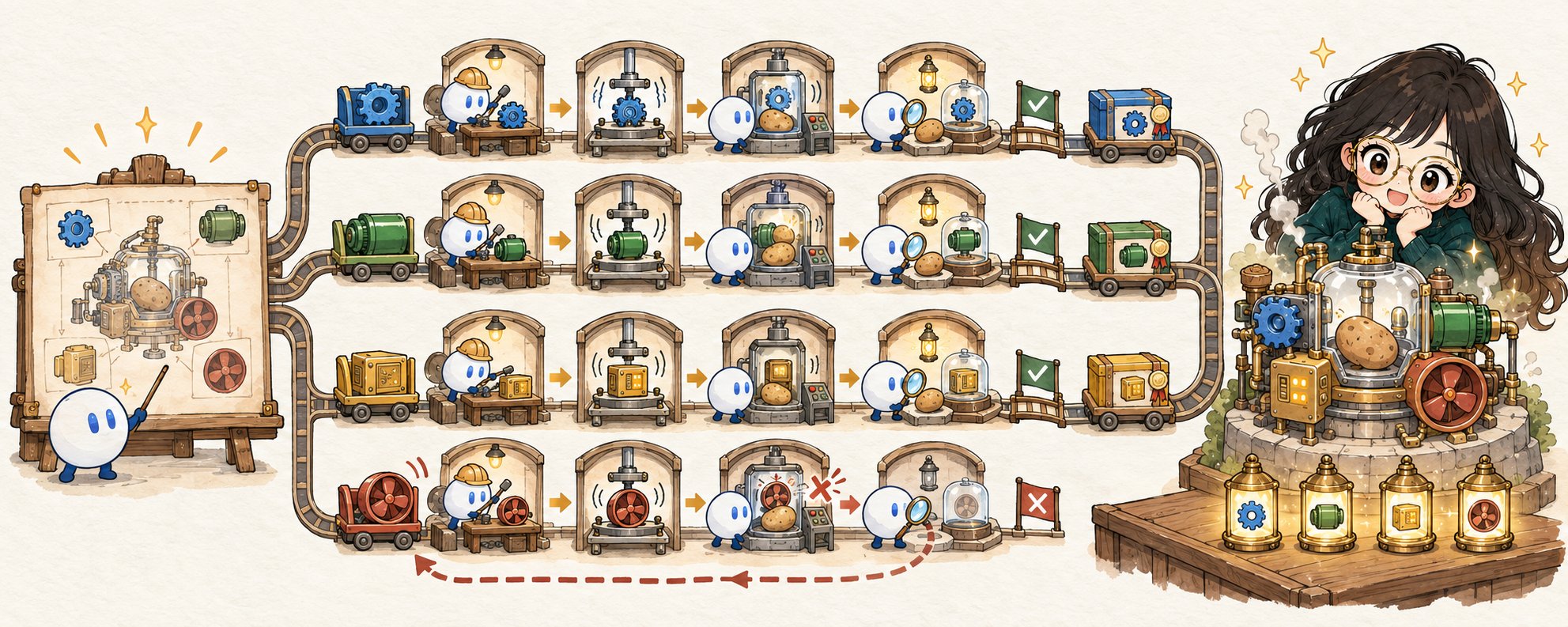
- Planning Phase: Ask the primary agent to draft an implementation plan based on existing code and architectural specs.
- Approval Phase: Review and adjust the plan, specifying boundaries and test criteria.
- Execution Phase: Let the agent run sub-tasks autonomously, spawning sub-agents for isolated components.
- Verification & Review: Run automated checks, perform an agent-assisted diff review, and push to main with confidence.
By mastering these supervision strategies in pstack, developers move from manual micro-management to orchestrating powerful, high-throughput AI agent workflows.