
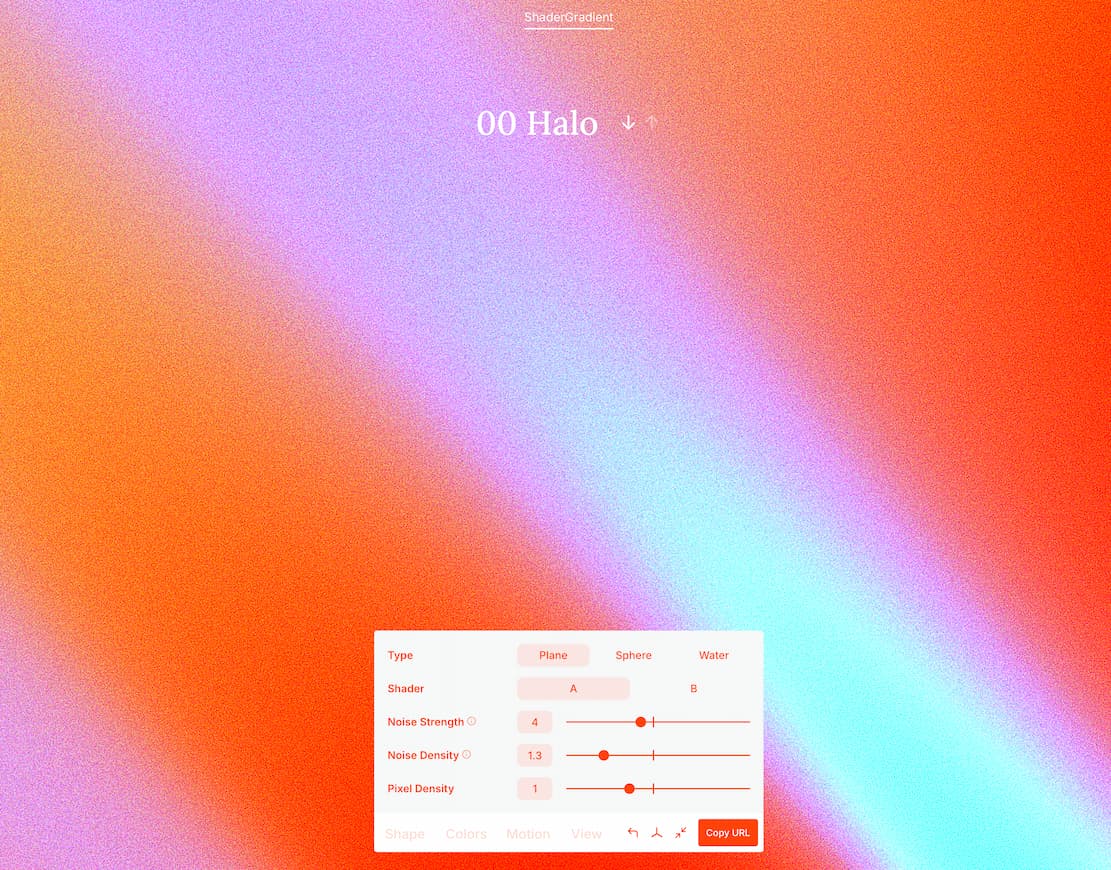
Shader Gradient

Shader Gradient

์˜จ๋ผ์ธ

ShaderGradient is an online tool platform specifically designed for designers and developers. It generates dynamic 3D shader gradient effects and supports use in Figma, Framer, and React projects. With a simple interface, you can customize colors, shapes, and motion parameters to quickly create visually striking gradient animations.

์ตœ์ข… ์—…๋ฐ์ดํŠธ: 2025/8/7

์›น์‚ฌ์ดํŠธ ๋ฏธ๋ฆฌ๋ณด๊ธฐ

Shader Gradient ๆˆชๅ›พ

์ž์„ธํ•œ ์„ค๋ช…

ShaderGradient is an online tool platform specifically designed for designers and developers. It generates dynamic 3D shader gradient effects and supports use in Figma, Framer, and React projects. With a simple interface, you can customize colors, shapes, and motion parameters to quickly create visually striking gradient animations.


๐ŸŽจ What Can ShaderGradient Do?

  • Generate Dynamic Gradient Backgrounds: Supports various shapes like planes, spheres, and water surfaces, suitable for web pages, apps, posters, and more.
  • Real-time Preview and Interactive Control: Adjust parameters such as color, noise intensity, pixel density, and motion speed for a WYSIWYG experience.
  • Export in Multiple Formats: Supports exporting as GIF, WebM video, or static images for easy embedding into design drafts or web pages.
  • Plugin Support: Offers Figma plugins and Framer components, and can also be integrated into front-end projects as a React package.

๐Ÿง‘โ€๐Ÿ’ป Technical Features

  • Renders using WebGL and Three.js, supporting high-quality 3D animations
  • Can be called via React components, supporting custom properties and animation control
  • Provides rich parameter interfaces, such as light types, particle effects, camera angles, etc.
  • GitHub open-source project address: ShaderGradient on GitHub

๐Ÿงฉ Who Is It For?

  • Visual Designers: Quickly generate creative backgrounds or dynamic elements
  • Front-end Developers: Integrate into React projects to enhance interface expressiveness
  • Brand Operators: Create social media animations or promotional videos
  • Educational Creators: Use for teaching demonstrations or interactive content displays

๊ด€๋ จ ์‚ฌ์ดํŠธ

๋Œ“๊ธ€

ํ‰์ 

8

๋น ๋ฅธ ์•ก์…˜

๋ผ๋ฒจ

animation
AI่ดบๅฒ ๆ–ฐๆ˜ฅๆ”พใ€Œไปทใ€๏ผŒ้‚€ๆ‚จไธ€่ตทๆŠข่ดญ็ƒญ้—จAIไบงๅ“ใ€‚ๆ——่ˆฐๆจกๅž‹ไป…้œ€19ๅ…ƒ่ตท๏ผŒๆ›ดๆœ‰ๅˆ›ไฝœAgentใ€ๆ‰ฃๅญใ€่ฑ†ๅŒ…่ฏญ้Ÿณใ€ๅณๆขฆAI็ญ‰ๅคšๆฌพๅบ”็”จ&ๅทฅๅ…ทไบงๅ“็‰นๆƒ ็ญ‰ๆ‚จๆฅ
ๆ–น่ˆŸ Coding Plan ๆ”ฏๆŒ Doubaoใ€GLM4.7ใ€DeepSeekใ€Kimi2.5 ็ญ‰ๆจกๅž‹๏ผŒๅทฅๅ…ทไธ้™๏ผŒ็Žฐๅœจ่ฎข้˜…ๆŠ˜ไธŠ9ๆŠ˜๏ผŒไฝŽ่‡ณ8.9ๅ…ƒ๏ผŒ่ฎข้˜…่ถŠๅคš่ถŠๅˆ’็ฎ—๏ผ็ซ‹ๅณ่ฎข้˜…๏ผšhttps://volcengine.com/L/UFX3nB__IbQ/  ้‚€่ฏท็ ๏ผšRNBDFW69
ๆญๅปบๆ‚จ็š„ไธ“ๅฑžๅคงๆจกๅž‹ไธป้กต